
Introducing the Sync Console Log
When running a Polytomic sync, you may want to know more details on its status besides the fact that it's in progress. For example, how many records has it extracted from the source so far? How many are written to the destination? Is either system at a temporary rate limit ceiling?
Now you can go somewhere to answer these questions: the new sync console log.
For all Polytomic syncs, whether high scale ETL jobs to your data warehouse, or syncs to CRMs, or ad platforms, or spreadsheets, or cloud storage buckets, or anywhere else, you now click into the Console log page to see detailed log lines for your sync.
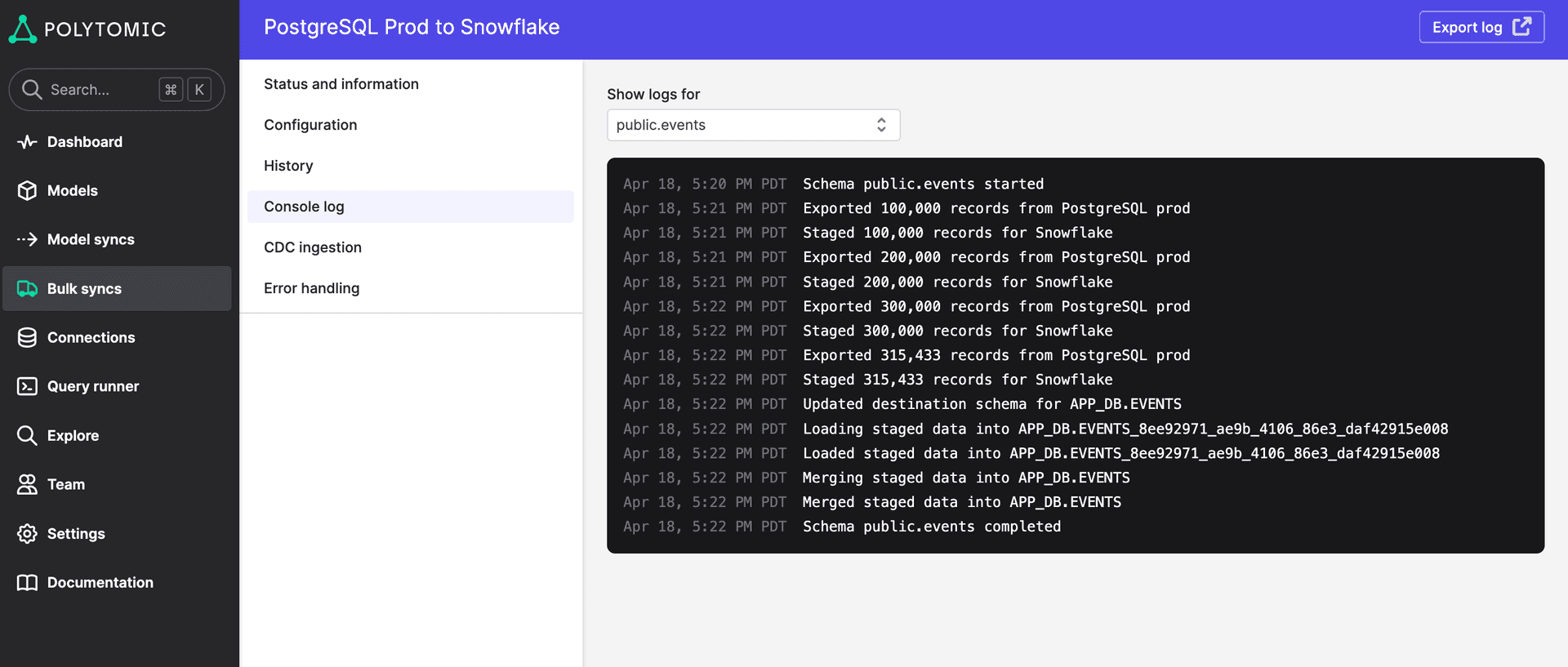
Documentation for the console log is here: https://docs.polytomic.com/docs/sync-console-log.
If there is other information you'd like to see in your console log, please don't hesitate to ask us for it! Just email your requests to support@polytomic.com.