
Announcing History Mode
Today we are announcing History Mode for data warehouses and databases.
When using Polytomic's Bulk Syncs to sync to your data warehouses and databases, you can turn on History Mode to generate a corresponding history table from any table you're syncing from.
This history table (sometimes called a snapshot table) is an append-only table where every change to a source row is stored in your destination (rather than just the row's final state). It allows you to run historical analyses where every change to every row needs to be queried.
History Mode is Universal
History Mode applies to all sources Polytomic supports, whether CDC (change data capture) tables from databases, SaaS platforms like Salesforce and NetSuite, or even spreadsheets and CSVs from cloud storage buckets.
Activating History Mode
Activating History Mode is simple. You can do so using three methods:
Admin UI
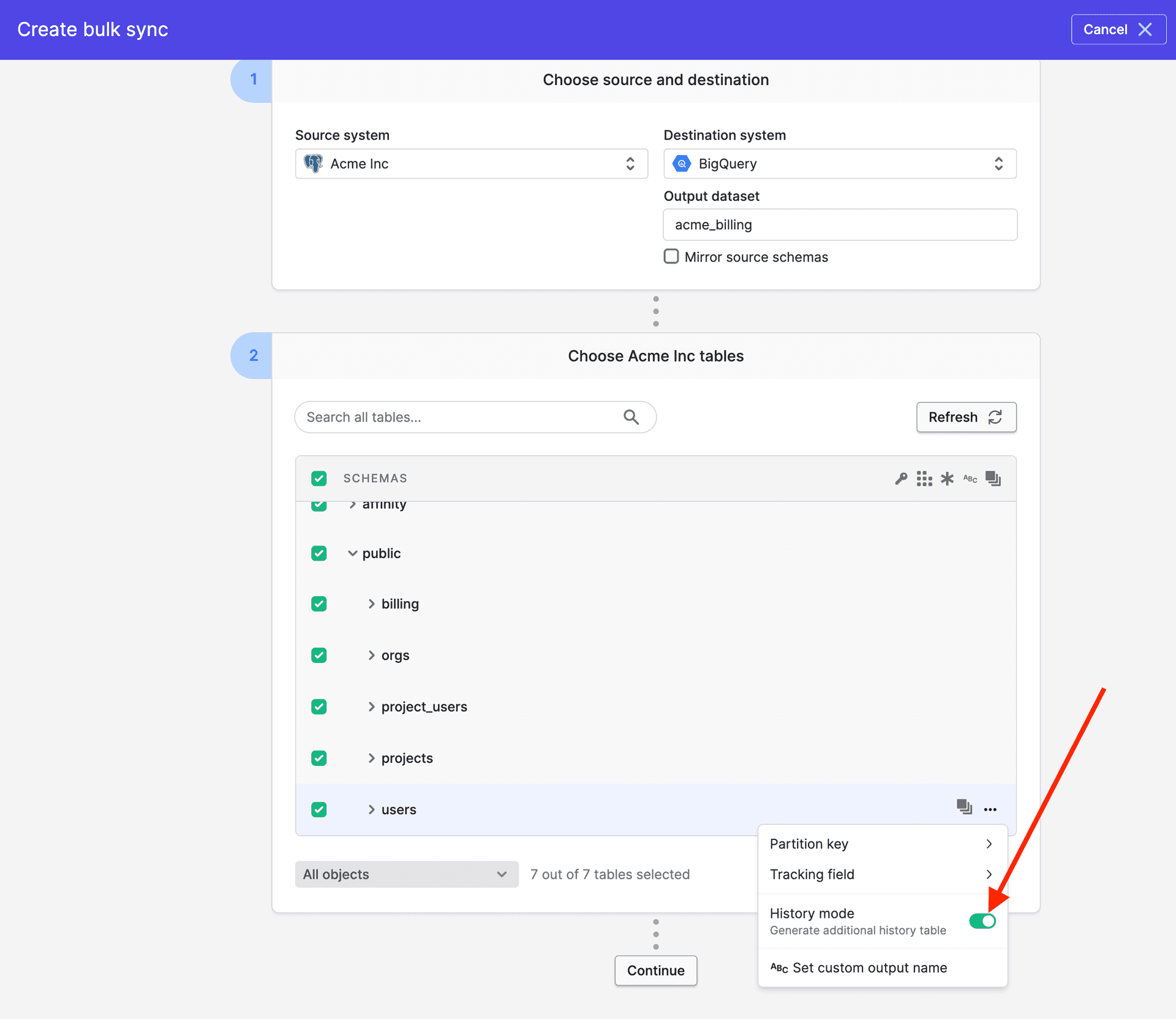
Simple click to the right of the table whose history you want to start capturing and turn on the switch:
API
For those using Polytomic Connect to sync from your customers' systems, you can set the history_enabled argument to true in your Create Bulk Sync API call.
MCP Server
You can also ask your AI agent (Claude, ChatGPT, Grok, etc) to turn on history mode for any source tables by using the Polytomic MCP Server: https://apidocs.polytomic.com/guides/mcp-server
History Table Format
Polytomic's history tables follow the SCD (slowly changing dimension) Type 2 format. You can read about in our documentation: https://docs.polytomic.com/docs/history-mode#history-table-format.
Historical analysis is thus made possible with a single switch. No engineering acrobatics needed.
As always, please email us at support@polytomic.com if you need anything!